

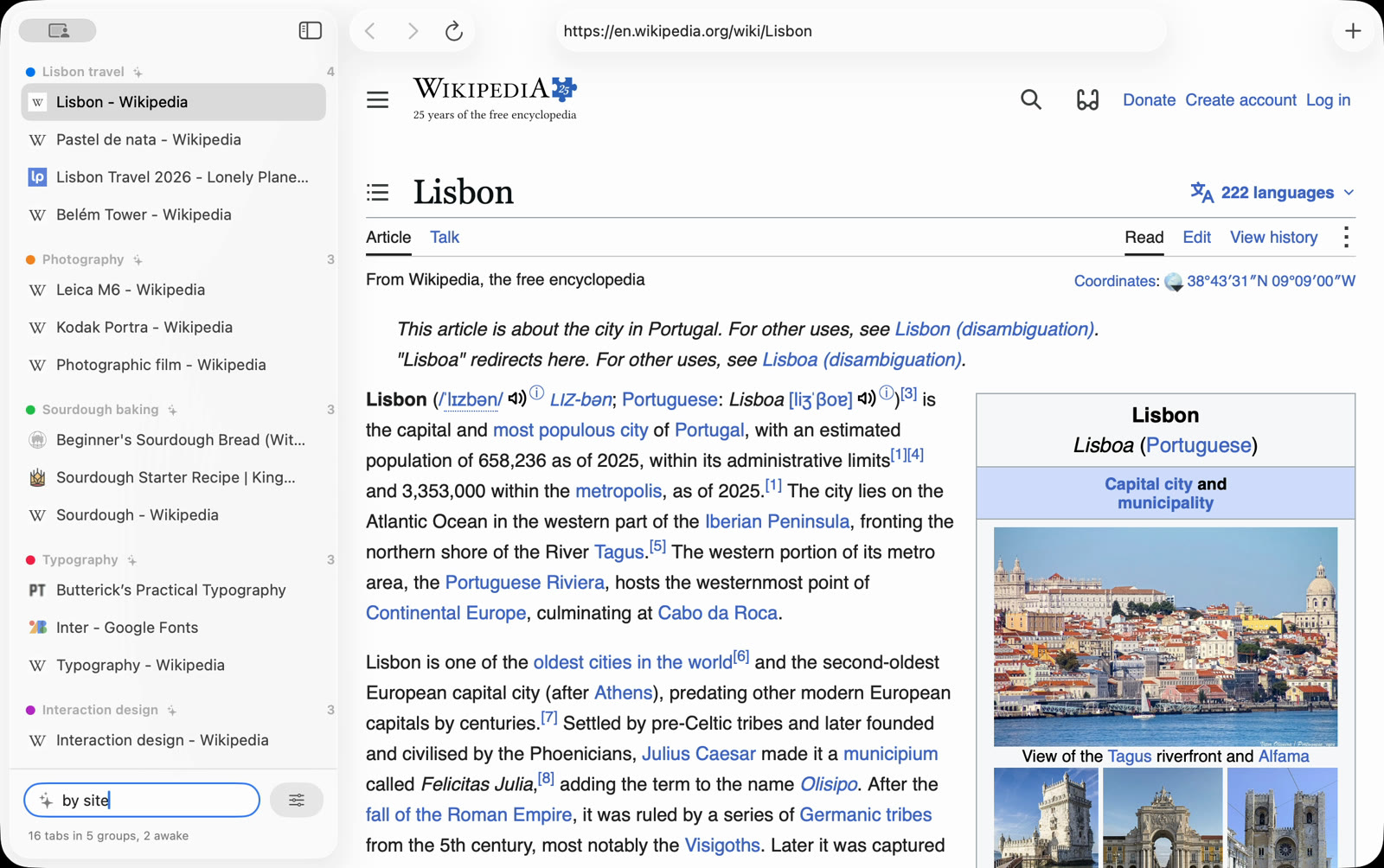
Working prototype, running on 16 real tabs. Click a step.
Press Organize and your tabs sort themselves into named groups. Everything runs on your own Mac.
Working prototype, running on 16 real tabs. Click a step.
Why it matters
Every browser lets tabs pile up. None of them puts them away for you.
After a day of research there are forty tabs open, and finding one means reading tiny titles one by one. Sorting them by hand takes longer than the research did, so nobody does it.
It’s for people who think in the browser: designers collecting references, developers reading documentation, anyone planning a trip.
The idea
Sort by meaning, name in words. A small model reads each page and places it by what it is about, so similar pages land together. A second small model then gives each group a short name.
Letting one big language model do all of it was slower and no better: on a test of 43 tabs it took 18.6 seconds, against 2.5 for this split. Each model does the part it is good at, so Organize is fast enough to press without thinking. Nothing you have open leaves your Mac.
Where else it works
Anything that piles up and never gets sorted: downloads, screenshots, saved links.
What’s next